 AnyPlayer
YOUR VIDEOS. ON IPAD.
Your videos.
Your private cinema.
Open your own files, keep them organized and watch at your pace. AnyPlayer is a local video player for iPad.
iPadOS 17.0 or later · No account required
01 / BRING YOUR FILES
A home for the videos you already have.
Open a file directly from Files, or import a copy into your library. Drag videos from Files or Photos, create folders and sort a collection that makes sense to you.
See import options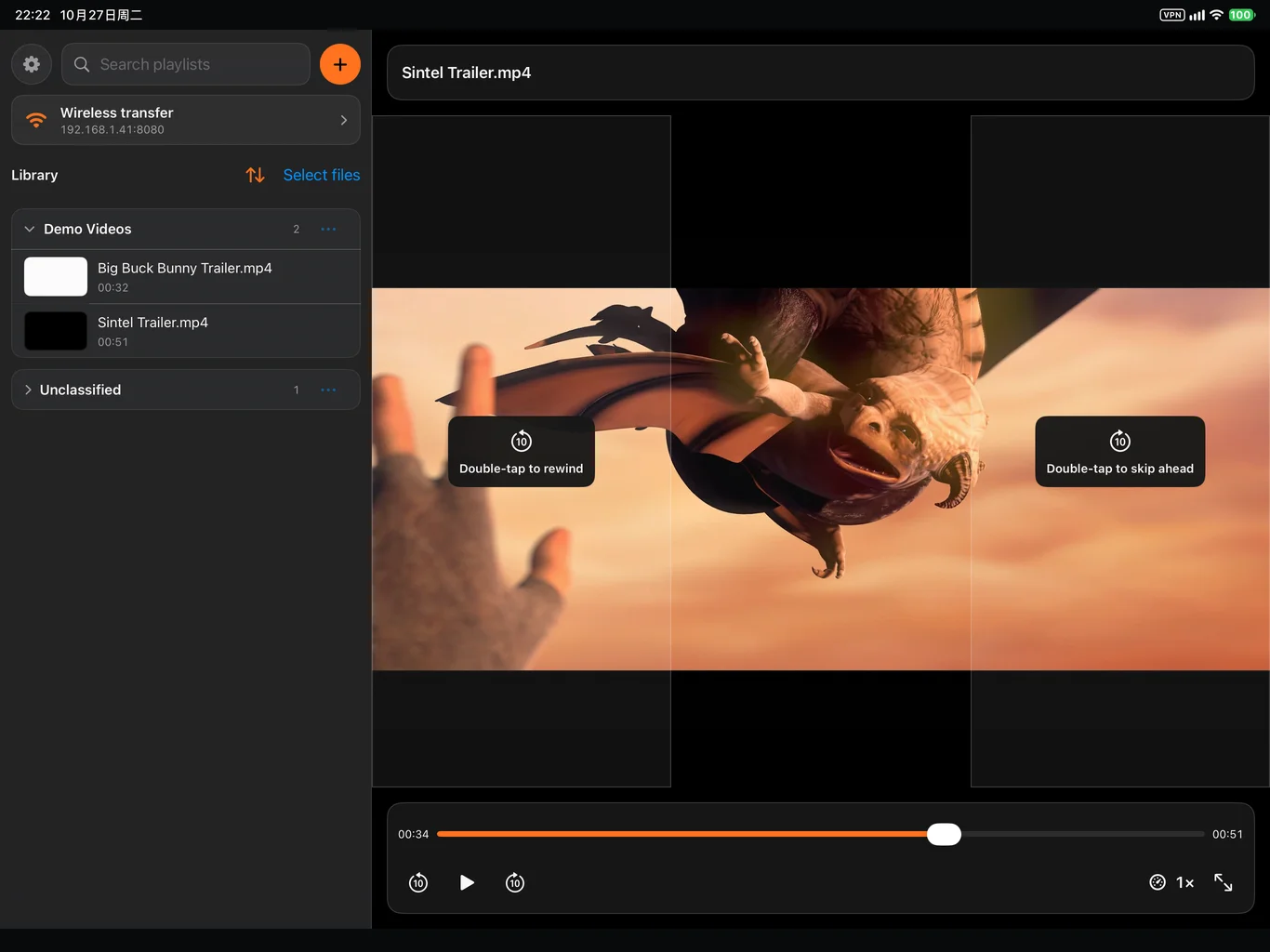
02 / SET YOUR PACE
Slow it down.
Skip back. Stay in the moment.
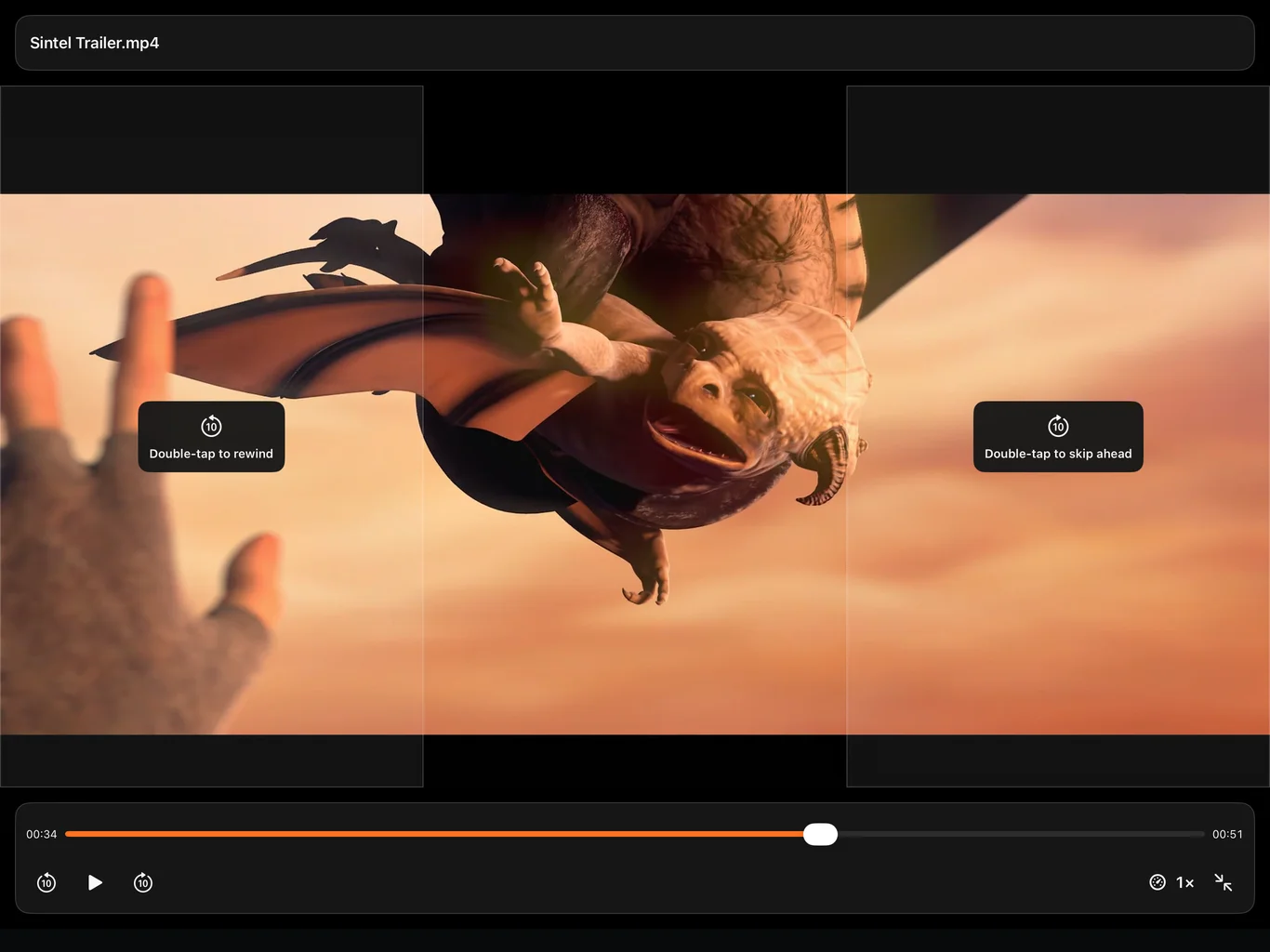
Review a lesson or settle into a film. Playback controls stay close to the picture.
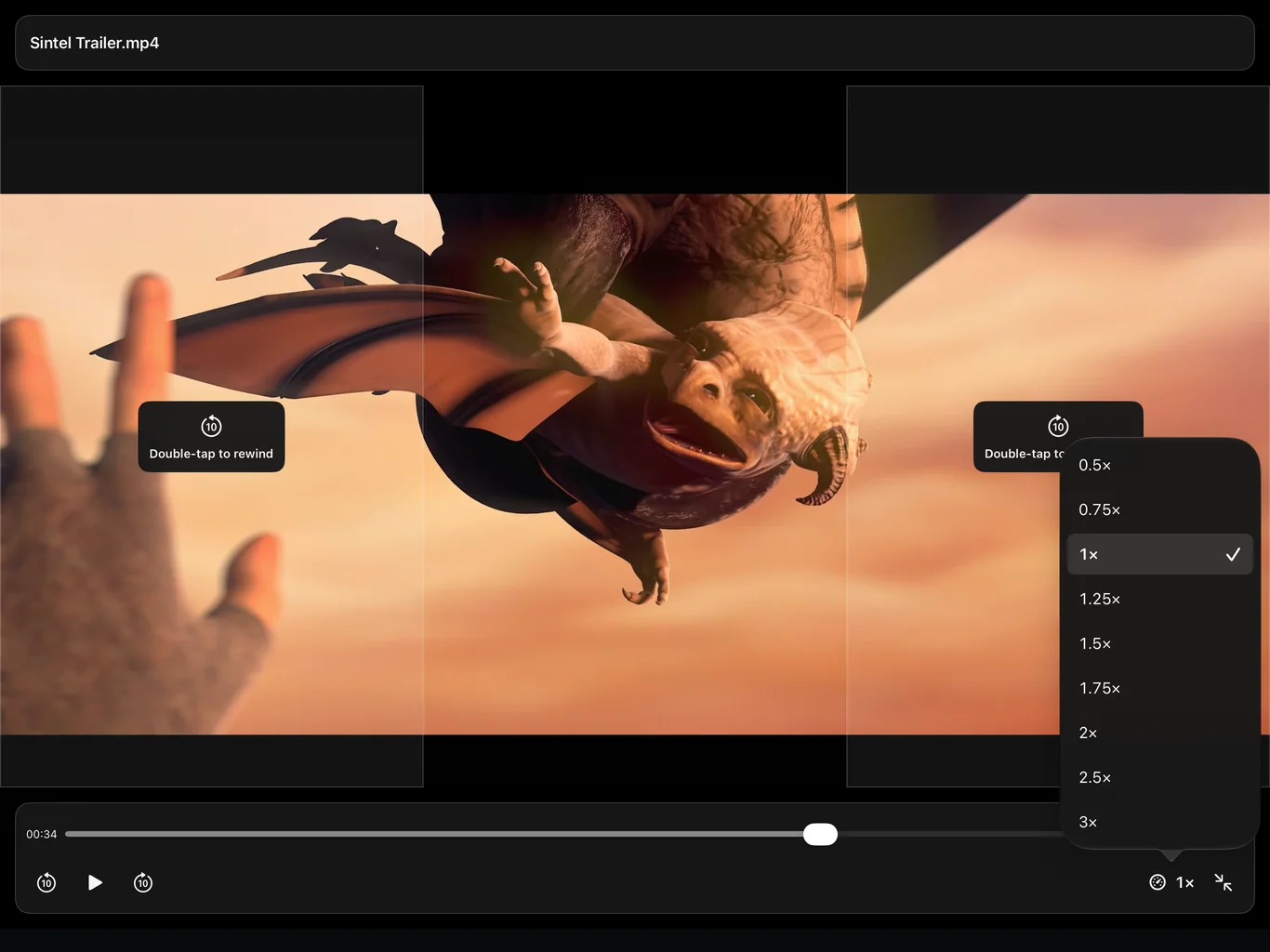
- Choose a playback speed
- Open the speed menu and tap the preset you want.
- Controls under your fingertips
- Swipe the left side for brightness and the right side for volume. Double-tap a side to skip.
- A keyboard feels at home
- Space to play or pause. Arrow keys to seek. Command + ↑ / ↓ to change speed presets.
- Make room for the picture
- Switch to full screen. Tap the picture to show or hide both control bars.
03 / SEND IT OVER
From your computer
to your next watch.
On the same local network, open the address shown in AnyPlayer to send files from a browser. LocalSend-compatible sending is also supported.
Follow the transfer steps- 1
Connect
Put your iPad and computer on the same trusted Wi-Fi.
- 2
Send
Enable wireless transfer and use the address shown on your iPad.
- 3
Watch
Wait for the transfer to finish, then open the received video.
Local transfers currently use HTTP. Use a trusted private network and turn receiving off when you are done.
Your files.
A little more room to enjoy them.
Need a hand with importing, controls or wireless transfer?
Open the help guide How AnyPlayer handles your data